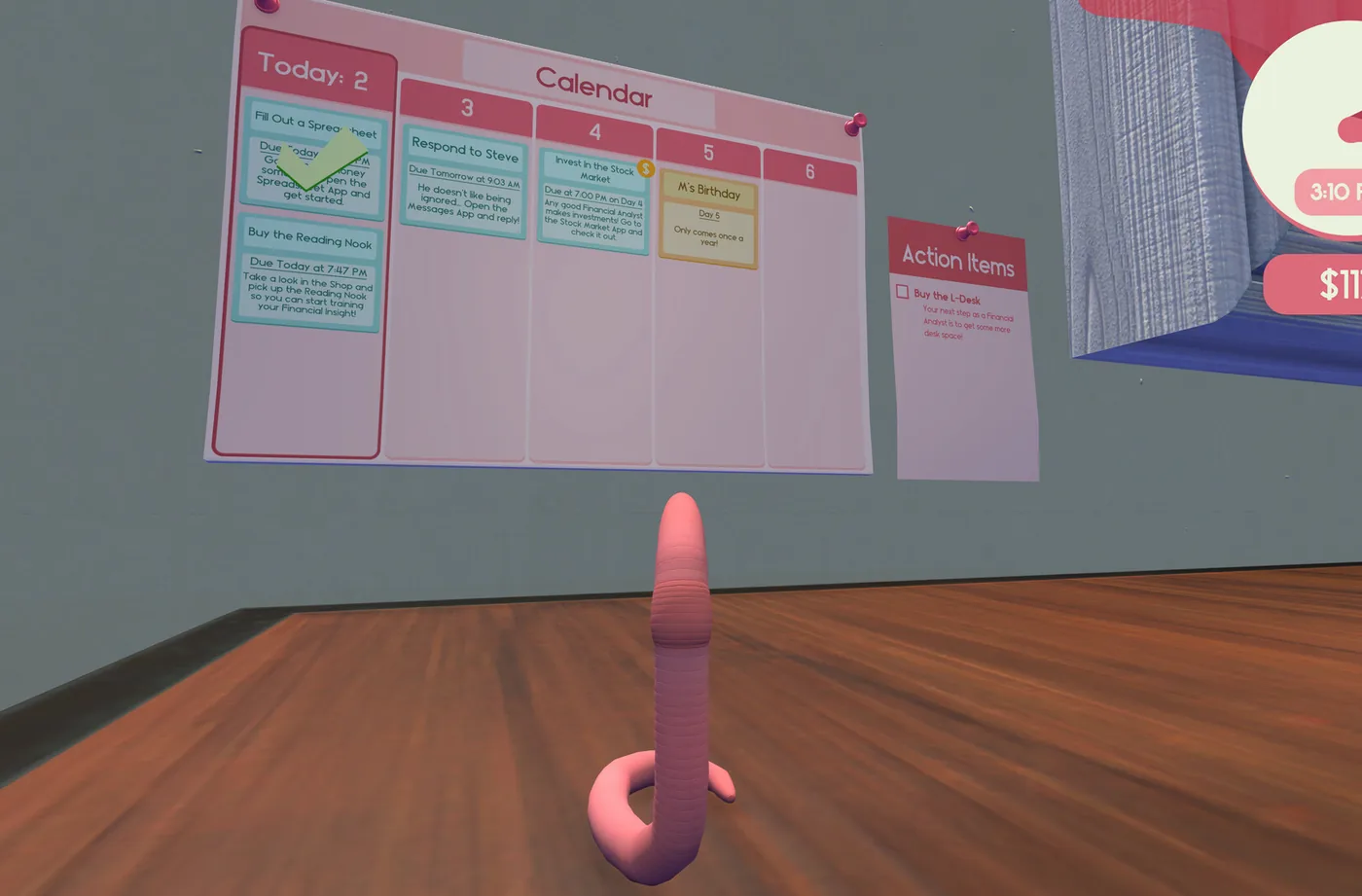
Independent fan guide. Details reflect the launch patch (v1.0.3) and cite official sources; if the game updates, in-game text always wins.
01What you signed up for
You are a worm. You have been a junior financial analyst for six years, which is already a long career for an animal that lives two to seven, and your office is a desk in someone's home. That is the entire premise of Worming from Home, and the game never explains it. Your boss Steve does not know you are a worm. Your coworkers Trevor and M have never checked. You type by flinging your body at the keyboard, you take meetings by phone, and at the end of your first week you will sit a promotion interview on a video call you are in no way equipped for. That interview is the ending of the game, and this guide exists to get you there without wasting your first hours fighting the physics.
The game calls itself a job sim, and it is one, but the job is genuinely playable. Spreadsheets come in with real instructions. Messages need exact replies. The stock market pays real money if you listen to the right phone calls. Underneath the comedy there is a small, solid management loop: wake up, check the calendar, do the tasks, invest the surplus, buy things that make tomorrow easier. Players who engage with that loop finish the story in roughly three to five hours; completionists need about seven or eight. Neither pace is wrong.
One thing to set expectations early: the controls are deliberately awkward for the first hour, and then they stop being awkward. This is not a rage game. In an interview after release, the developer described the design goal as a normal work-from-home office simulator that happens to be funny because a worm is doing it, and said the hardest engineering problem was making a usable character controller out of a creature with no limbs. Give yourself thirty minutes of clumsy movement before you judge it. Almost every player report says the same thing: one moment you are failing to cross the keyboard, the next you are flinging yourself across the desk with boring reliability.
A narrator named Tippy, a hype-man in the Clippy tradition with full voice acting, walks you through new mechanics the first time they appear. Watch the lower-right corner of the screen when something new happens, because Tippy's hints are easy to miss and they do not repeat. If formatting, printing or scanning ever confuses you, the answer was probably in one of those hints.
02The desk tour
Almost every object in the game is interactive, and most of them matter, so learn the layout before your first task. The center of your working life is the human-sized monitor and the PC tower underneath the desk. That is where tasks, spreadsheets, messages and the shop live. You log in by physically bashing the password into the keyboard, which is your first taste of how every interaction in this game works: nothing is clicked, everything is bumped, dragged or headbutted.
The phone is your connection to the plot. Steve's opening call sets up the promotion thread, and through the week the phone delivers voicemails with stock tips, calendar events and the occasional scam. Checking voicemail is a real morning routine, not decoration, because the tips move the market you will later be trading on.
Two smaller objects deserve more respect than they get. The wall calendar color-codes your obligations: blue entries are deadline tasks like a spreadsheet due at 5:49 p.m., orange entries are events like M's birthday or a quarterly earnings call. Skipping the calendar is the single most common way new players miss timed tasks. And the d20 die on the desk can be rolled once per day. A natural 20 earns the Stroke of Luck achievement for a quarter of all players; the game rewards a natural 1 too, in its own way.
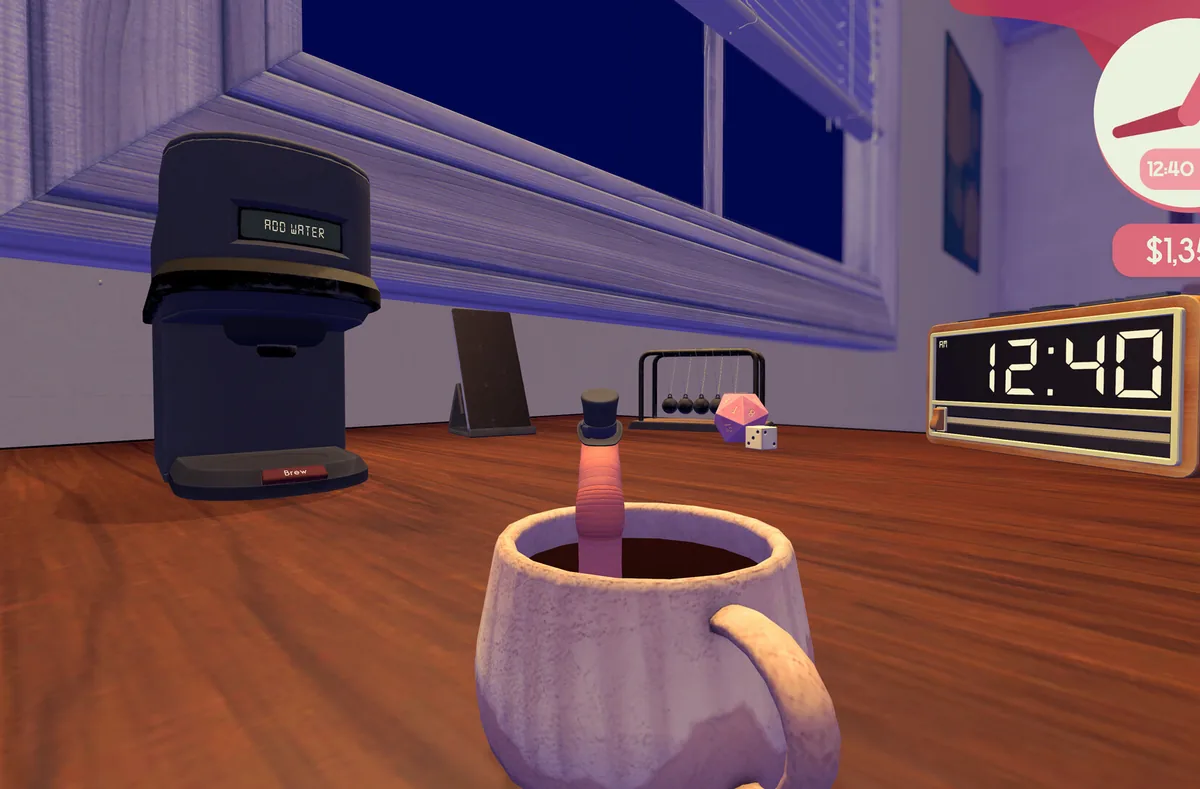
The plant pot by the desk is your bed. You sleep in the soil, the amount of sleep you get applies buffs or debuffs to the next day, and skipping sleep only works until about 3 a.m., when you pass out wherever you are. The game is honest about this: a worm needs dirt, and a worm with a 5 a.m. alarm performs worse than one that slept properly. Mortality is also on the table, sort of. Fall off the desk and you die, the game plays it for a laugh, and you respawn without real penalty. No source we could verify documents any way to be fired, so the failure states here are bruises to confidence, not to your career.
03Moving like a worm
Movement is the first skill and the only hard one. Your body is a physics ragdoll: you launch it, it flies, it lands, and everything after that is cleanup. The technique that separates frustrated players from productive ones is short throws plus small wiggles. A full-power fling crosses the desk in one move and lands you on the floor; a half throw followed by a wiggle reaches the same key with none of the drama. Community consensus, and our reading of a full launch-day playthrough, agree that precision beats distance every single time.
Grabbing is the second half of movement, and it has a trick. Grab aim on its own feels unreliable to many players in their first hours; the fix reported by both reviewers and forum regulars is to combine a headbash with the grab. The headbash pins or shifts the object, the grab takes it, and the whole thing suddenly feels consistent. One reviewer noted it took them a couple of hours to realize this, which is two hours you do not have to lose.
Carrying behaves like carrying does in real offices: badly. Carry cups backward and do not jump, or you will spill; to flip an upright cup, drop it repeatedly until it lands the way you want. Grabbing a sheet of paper while jumping does not work, a physical limitation several players have struggled with on record. The honest answer is to plan carries along the ground, and to use the menu's Reset Objects option when something lands somewhere unrecoverable. Reset Objects returns items, and you, to safe positions.
Two warnings about Reset Objects, both from the developer's own bug threads. Do not press it while the printer is printing, because the print button can disappear with the job half-done. And know that dying is fine: falling off the desk kills you, the game respawns you cheerfully, and no achievement, task or relationship suffers. Treat the floor as an inconvenience, not a fail state.
- Throw at half power toward your target key, not full power.
- Wiggle the last stretch of distance instead of re-flinging.
- Combine a headbash with grab when picking objects up.
- Carry cups backward, walk, and never jump while holding liquid or paper.
- Use menu Reset Objects when stuck — except mid-print.
- Accept the occasional fall; death costs nothing.
04Typing without hands
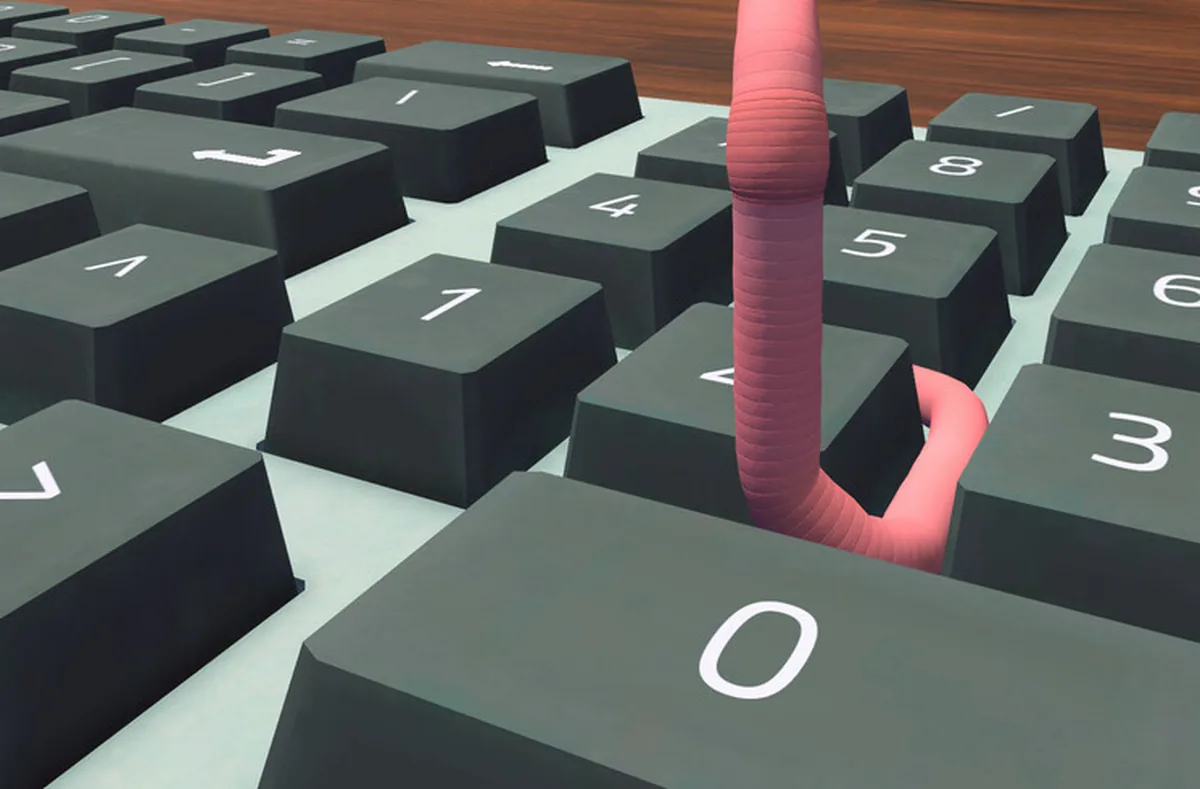
Every task in the game reduces to typing: spreadsheet cells, chat replies, contract signatures, your login password. You type by slamming your head against keys, one letter at a time, and the game gives you the full instruction before you start. Read it first. The instruction bar tells you the exact cell and the exact value, and the players who struggle are almost always the ones who start wiggling before finishing the sentence.
Formatting has a physical shortcut system that the game barely advertises. Bold, italic, copy and paste are Ctrl combinations, and a worm cannot hold Ctrl while also being the thing pressing B. The community solution is a die: park one of the dice on the Ctrl key, then bump B or I or C or V like normal. Arrow keys keep working with Ctrl held, but typing does not, so lift the die before word tasks. A fully upgraded keyboard eventually removes the need for the dice trick entirely, which surprises players who thought their expensive purchase had broken the shortcuts.
Chat has the strictest rule in the game: replies only send when typed exactly as shown, letter for letter. A typo is not a personality moment here; it is a redo. When a message from a coworker needs a response, the game shows the expected reply, and your job is to reproduce it without letting a missed letter eat your morning. This matters doubly in the finale, where the interview includes a timed typing response, and it matters immediately for one achievement: responding to a message from M within one real-time minute earns Wow, You're Desperate, which nearly half of all players have.
Backspace is your most-visited key, and the community has already named the trip. The wiggle of shame to the top row is a shared experience across every review and forum thread about this game. Budget for it emotionally.
05Your first day, hour by hour
Day one has a set shape, and knowing it in advance removes most of the first-session chaos. You start in the plant pot. Wiggle out, cross the desk to the keyboard, and bash out your login password on the human-sized PC. The login alone unlocks Welcome to Corporate Finance, the one achievement literally every player owns. Tippy introduces himself around here with your job description, delivered with total sincerity: as a junior financial analyst, your job is to analyze finances. Then the phone rings. It is Steve. A position has opened at the associate level, and you might be eligible for a promotion. That call is the game's entire plot, and it is now running in the background of everything you do.
With the formalities done, run the morning routine in this order: check the wall calendar for blue deadline tasks, check the phone for voicemail, and roll the d20 for the day. Calendar first, because deadline tasks expire. On day one that usually means a spreadsheet with a due time this afternoon, and the instruction tells you the cell and value to enter. Cross to the keyboard, find the key, bump it, confirm on screen that the input registered. That loop, repeated with growing speed and shrinking error, is the whole job. The game also pays a bonus for volume: completing five spreadsheet files within 24 hours earns a 200 bonus on top of the task pay.
Messages arrive from Trevor, M and Steve throughout the day. Pick a dialogue option, then type it out exactly. Some choices matter later in ways the game does not flag: vague answers can accidentally offend Trevor, and M's thread is the romance route if you want it. None of this is time-pressured except the one-minute window for M's early message, so take the conversations at whatever speed your keyboard technique allows.
The evening is yours. Before sleeping in the pot, you can work out at the gym corner, read in the nook, shop, or trade if you have unlocked the market, and every day closes with a progress report summarizing your earnings and net worth. Then you sleep, the game applies tomorrow's buffs or debuffs based on how much rest you got, and the loop starts again. A few of these days and one promotion interview later, the credits roll.
06What to buy first (and what to delay)
Money arrives slowly at first and the shop is tempting, so spend with a plan. The single most important purchase on the critical path is the L-shaped desk at 1,000 dollars. It rearranges your workspace, it unlocks the stock trading terminal, and it starts the contract paperwork chain that leads to the promotion. The game steers you toward it, and you should let it. Before that, small quality-of-life buys are fine: spreadsheet pay is described by reviewers as surprisingly generous, and the trampoline that looks like a toy turns out to be the only practical way to reach the printer and the high shelf. Optional items in this shop have a habit of becoming mandatory.
Two purchases must be delayed, and this is the closest thing to a spoiler in this guide: the webcam and the soundboard. If you buy them before Steve's phone call tells you to, the objective system can break and ask you to buy them again, soft-locking your progress. This is a known launch bug the developer is working on; until it is patched, the rule is simple. Buy them when the game says so, not before. The webcam runs 3,000 dollars and the soundboard costs more than anything else you have bought by then, so the delay also does your budget a favor.
The keyboard upgrade line deserves its own warning. The starter clacky keyboard has chunky keys that are easy to aim at, which quietly makes it the best typing instrument in the game. The upgrade path runs toward slimmer and eventually touch-sensitive keys, and the community verdict on the final touch keyboard is brutal: accidental double-presses, letters you never meant to hit, and no way to switch back. The developer has acknowledged the complaints and promised a rework, but as of the current patch, our advice matches the forum consensus. Stay on the clacky keys as long as you can stand the noise.
Everything else is lifestyle. Hats, trinkets, books and gym gear feed perk trees, achievements and one very thirsty piece of headgear, and the shop guide covers that aisle in detail. The beginner rule is: mission purchases first, toys second, keyboard upgrades probably never.
| Purchase | Price | When to buy | Why |
|---|---|---|---|
| L-shaped desk | $1,000 | As soon as affordable | Unlocks trading and the promotion chain |
| Trampoline | Shop | Early | Only practical route to the printer and high shelf |
| Webcam | $3,000 | Only when Steve asks | Early purchase can soft-lock objectives |
| Soundboard | Very pricey | Only when Steve asks | Same bug risk; needed for the interview |
| Keyboard upgrades | Varies | Ideally never | Touch keyboard widely reported as a downgrade |
07The week rhythm
The work week settles into a rhythm fast, and each day has natural slots. Mornings suit the gym, because training pays out best before 10 a.m.; evenings suit the reading nook, which works best after 9 p.m. Between them sits the actual job. Spreadheets first while your patience is fresh, messages as they arrive, trading once the L-desk paperwork is signed, and the d20 and voicemail checks bookending the morning. Players who impose this shape on the week report the game feeling cozy; players who chase whatever task is nearest report chaos. The calendar, again, is the tool that makes the shape visible.
The perk systems run in the background of the week. Gym sessions are arcade-style minigames that build Muscle Mass perks, reading builds Financial Insight perks, and both trees eventually pay for the time they cost. The achievements at the end of each tree, Absolutely Massive and Book Worm, sit at roughly a third of all players, which tells you the grind is real but ordinary. If you want both, start early and spread the sessions; a full tree earned in one desperate evening is nobody's idea of a good time.
As the week advances, three purchases define the endgame: the webcam, the soundboard and a framed photo, which together unlock the promotion interview. The interview grades your performance, from a pass up to an S rank that only about one player in nine achieves, and passing it makes you the company's newest associate financial analyst. The promotion, in the game's final joke, does not come with a raise. You can also hang up on Steve mid-call for a different achievement, and about one player in five does. Your call, literally.
After the credits there is more game if you want it. Imminent Layoff Mode unlocks as a harder second run, the Wormhole platforming challenge exists for the physics-brave, and the shop, the market and the romance thread all keep ticking for completionists. The finale interview guide covers the S-rank route; the rest of this site covers everything else.
08First-week mistakes to skip
Every mistake in this list comes from real launch-week threads, and every one has a cheap fix. Buying the webcam early and soft-locking the objectives is the costliest; the fix is patience or, if it is too late, restoring an earlier save from before the purchase. Ignoring the calendar costs deadline bonuses; the fix is looking at the wall at the start of each day. Upgrading the keyboard and losing typing accuracy has no in-game fix, only the lesson for a second playthrough.
The smaller embarrassments fix themselves. Spilled cups, the stuck printer lid, the paper that will not grab mid-jump, the cup that lands upside down every single time: all of these are physics, all of them are normal, and none of them damage your standing with the company. Sleep before 3 a.m., reset objects when stranded, and remember that the printer prints from its own screen with the buttons on its top-left, not from the PC. The print workflow catches almost everyone once; it catches almost no one twice.
The last mistake is philosophical: playing this like a productivity game. The spreadsheets can be optimised, the market can be gamed, and the week can be run at maximum efficiency, but the game's actual content is the trip between tasks. The developer has said the comedy design principle was simply a normal office simulator that becomes funny because a worm is doing it. Let the worm be a worm sometimes. Productivity will still be there after you commune with the pile of dirt, an activity the game tracks, rewards, and absolutely judges you for.
09Where to go next
Once the first day is behind you, the site branches by system. The controls guide goes deep on movement and typing technique. The spreadsheet, messages and phone guides cover the three task types you will repeat all week. The investing section handles the market the L-desk unlocks, the promotion guides walk the interview, and the achievement index tracks all thirty-one with verified conditions. Pick the part of the week that is giving you trouble, and bring your die for the Ctrl key.