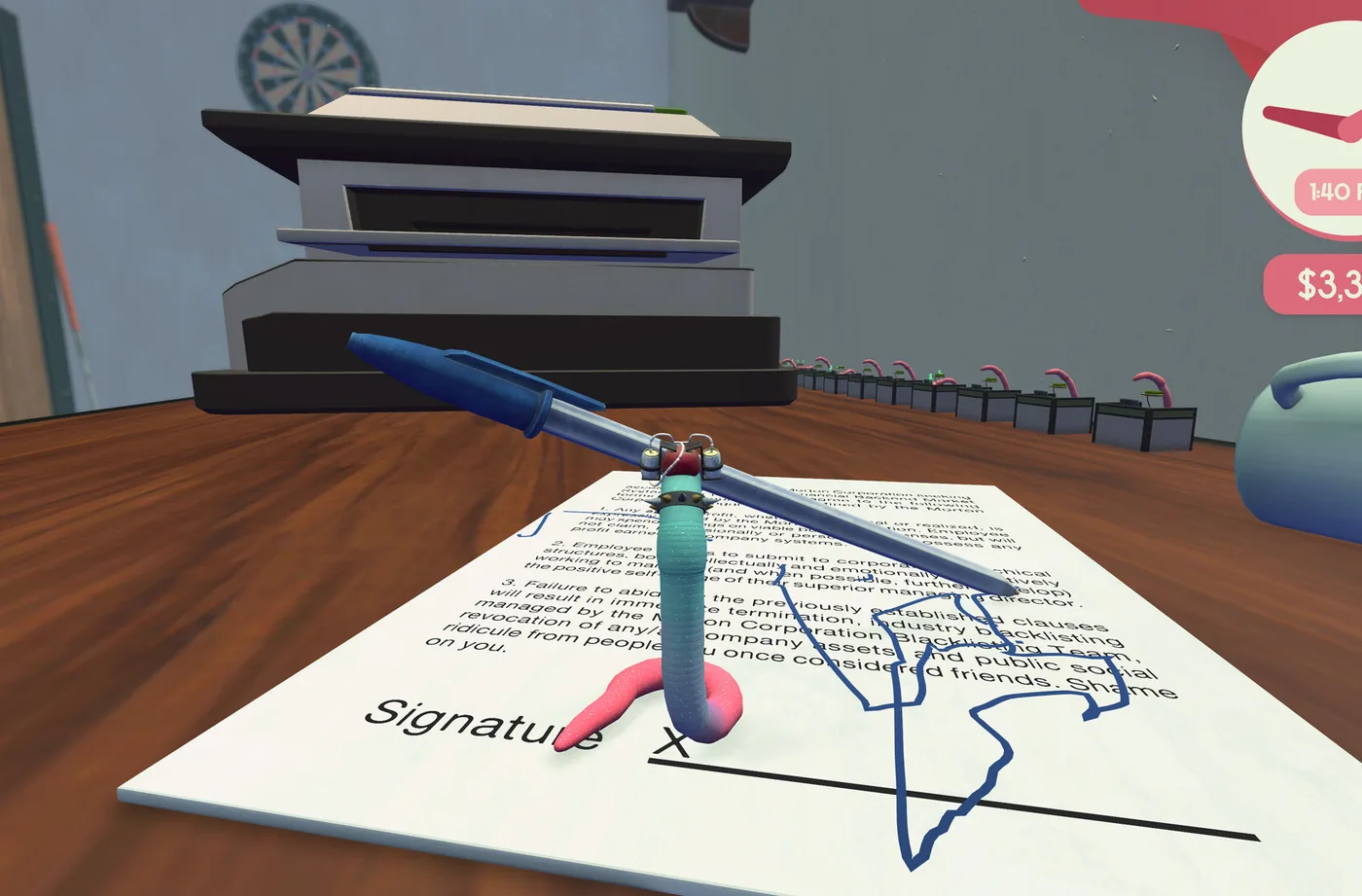
Independent fan guide. Details reflect the launch patch (v1.0.3) and cite official sources; if the game updates, in-game text always wins.
01Why the call needs a checklist
The final interview in Worming from Home is not a conversation. It is a timed video call with Steve that grades you, throws several tasks at you at once, and rewards the worm who already has everything within wiggle distance. Almost nothing you need for it can be improvised on the spot. The equipment comes from the shop, the props come from your own desk, and two of the demands — your employee ID and a timed typing response — are things you can rehearse in advance. This guide is the shopping and setup checklist to finish before the phone ever connects you to Steve.
The shopping half is short and expensive. Steve's call asks you to buy a trampoline, a webcam at 3,000 dollars, a soundboard, and a framed photo. Buying the webcam, the soundboard and the framed photo together pops Locked In, hidden, at 33.9 percent of players, which doubles as your confirmation that the purchases registered. The soundboard's price is the wobbliest number in the game: roughly 5,000 dollars by community reports, with one garbled transcript line hinting at more. Whatever the register says, it is the single largest hit your bank account takes all week.
The setup half is where the S-grade crowd separates from the rest. The community guide written by the player who scored 4 and 9/10ths on this call has a prep list, and it is refreshingly unglamorous: max your upgrades first, memorize the soundboard buttons, clear a path to the PC, and stop worrying about the webcam framing. The rest of this article turns that list into a plan, then adds the props — including the one 10,000-dollar co-star nobody warned you about.
The stakes explain the fuss. Passing the call, at any grade, makes you the company's newest associate financial analyst, which 30.7 percent of players manage. An S grade, the top documented mark, belongs to 11.4 percent — roughly one player in nine. And 18.3 percent hang up on Steve mid-call instead, which is also a documented lifestyle choice. Prep is what moves you up that curve, because nearly every beat of the call maps to an item you can buy, a number you can memorize, or a skill you can drill in advance. The interview is less an exam than an inventory check with a timer attached.
02Wait for Steve's call before you shop
Order matters more than money here, so this section comes first. The webcam and the soundboard must not be bought before Steve's objective asks for them. Buying early is a known progression soft-lock: the objective system breaks and demands the purchase again, which you cannot satisfy, and the promotion chain freezes with your money gone. The developer has acknowledged the bug and is working on a fix, but launch-week saves are still living in the world where the bug exists.
If you have already bought one of them early, all is not lost. The game keeps three save slots, and the saves are plain JSON files in a folder you can copy — the save backup guide on this site covers the exact paths. Restoring a save from before the purchase clears the broken objective and puts you back on the chain. Players without any backup are stuck waiting for the patch, which makes this the one purchase in the game where patience is literally a mechanic.
Everything else on the desk is safe to buy whenever you like. The trampoline is worth owning well before the interview stage, since the printer paperwork needs it. The framed photo has no documented soft-lock attached, but the same rule costs nothing: buy it as part of the objective batch and you will never wonder whether the trigger fired. Kevin, the 10,000-dollar shop centerpiece, is not required for anything in the chain. He is optional joy, with one interview exception this guide gets to shortly.
03Prep the desk like the S-grade guide says
The community guide to this interview was written by the player who scored 4 and 9/10ths on the call, and their prep list opens with the least negotiable instruction: max your upgrades first. A worm that moves faster and grabs more reliably is a worm that survives a timed call, and by this point in the week the money exists. Read the instruction broadly — perk levels, the gear lines, anything on the desk that makes operating a computer with your skull less of a production.
Their second instruction is to memorize the soundboard buttons. The soundboard's job on the call is producing noises a human would plausibly make, and its buttons are physical objects you have to reach and press while other things are happening around you. Fumbling for the right button mid-call is the exact failure mode the guide is warning about, and the fix is cheap: spend the evening before the call pressing every button until you know the layout by feel.
Third: clear a path to the PC. Papers accumulate on a working desk, and the call contains moments where you need to be at the computer immediately — playthroughs even show the PC restarting itself mid-call. A runway of cleared desk between you and the keyboard is the difference between a scramble and a stroll. And fourth comes the most relaxing advice in the guide: the facecam only needs you roughly in frame, and blocking it is allowed. Perfectionists can stop adjusting the camera and start practicing everything else.
04Props to have ready
Three props show up in documented runs of the interview, and all three reward preparation. The first is the framed photo from the shopping list. At one point the call asks you to show it to the camera, and a thumbs-up is involved, so have it lying somewhere grabbable rather than buried under printouts. It is the cheapest item in this section and the easiest to stage. The failure mode is simply not finding it in time.
The second is your employee ID: 90764. It is printed on the back of your monitor, of all places, and the interview asks you to type it. Go read it now, before the call — crawling behind the monitor mid-interview to check a number is nobody's idea of a promotion. Knowing it in advance turns a potentially expensive moment into free points, and typing it cleanly is pure practice, which is the next section's subject.
The third is an expensive item to show off. The call includes a moment where you hold a purchase up to the webcam for roughly a second while it scans, and the status readout appears atop the webcam view. The community's flagship story here is Kevin, the 10,000-dollar item whose store description says only that he does tricks: one player credits showing Kevin on camera as the difference in their S grade. You do not need Kevin for anything else in the game, which is exactly what makes him funny to own.
One more document belongs in your staging area: the earnings report. Every day in this game closes with a progress report summarizing your earnings and net worth, and during the call you screen-share your earnings with Steve. The implication is quietly brutal — your trading week is part of your interview. A worm who worked the market, stacked the spreadsheet bonuses and kept the portfolio climbing has better numbers to share than one who spent the week practicing cup-riding. You have been interviewing all week without knowing it.
05Typing under a clock
The interview includes a timed typed response. That sentence should reorganize your week, because typing in this game means headbashing one key at a time across a keyboard the size of a tennis court, and a timer turns the physics problem into a nerve problem. The players who look calm on the call are the ones who practiced. A launch streamer's reaction on hitting the limit — 'Oh my god, a time limit' — is the sound of someone who had not.
Practice is free, and the game gives you a gym for it: every message reply must be typed exactly, letter for letter, or it does not send. Treat your remaining pre-interview messages as drills. Start each reply from a stable position, aim for short throws, and accept that Backspace will feature — the community calls the trip up to the top row the wiggle of shame, and it happens on the call too. The goal is not zero typos. The goal is recovering from a typo without panicking.
One gear note before you drill. The keyboard upgrade line ends at a touch keyboard that the community verdict calls a downgrade: accidental double-presses, with no way to switch back to an earlier board. Practicing on whatever you own now is more useful than buying your way to a worse instrument, and the keyboard guide on this site covers the whole line if you want the details. Speed here is technique, not hardware.
06The soundboard's one job
The soundboard looks like studio equipment and performs one function on the call: making the noises a human would make. Steve believes he is on a video call with a person, and the soundboard is how a worm with no lungs supplies the soundtrack. At some point you will need to produce a noise on cue, which means reaching the right button and pressing it while the rest of the interview continues without you.
That is why the S-grade guide's advice is memorization rather than mastery. You are not performing a set. You are answering a doorbell with your elbow while also typing. Learn which buttons make which noises the evening before, in the dark if you have to, until the layout lives in your muscle memory. The button you can find without looking is the only button that counts on a graded call.
The price, once more for the budget-conscious: roughly 5,000 dollars by community reports, with one transcript line hinting it may run higher. It is the biggest single expense in the promotion chain and there is no route around it — the soundboard is one of the three Locked In purchases, and the call assumes you have it. Fold the cost into your portfolio targets early and the hit lands softer at the register.
07The night before the call
Run this checklist the evening before the call, not the morning of. Every item takes five minutes or less, and every item removes one way for the interview to go sideways. The worm who sleeps properly before the finale is the worm who checked the list — and yes, sleep is on it, because the call is timed and you should not be.
- Confirm Locked In popped: webcam, soundboard and framed photo all bought, after Steve's objective and never before it.
- Max every upgrade your remaining budget allows; top up the perk trees you have been ignoring.
- Press every soundboard button one more time, until the layout is muscle memory.
- Clear the runway: papers and clutter off the path between you and the PC keyboard.
- Stage the framed photo on the camera side of the desk, in the open.
- Read the employee ID — 90764 — off the back of the monitor and remember it.
- Pick your showpiece, Kevin if you own him, and stage it near the webcam.
- Run one typing drill: a full message reply typed clean, plus the recovery from one deliberate typo.
- Sleep before 3 a.m., in the pot, like a professional.
08One last read while the phone rings
Preparation in this game is boring on purpose. A graded call built on ragdoll physics cannot be perfected, but it can be survivable, and every item you staged in advance is one fewer decision to make while a timer runs. When Steve's call connects, you should know where the photo is, what your ID is, which button makes the human noise, and how to get to the keyboard in one clean throw. The beat-by-beat route through the call itself — including the S-grade tricks and what the mid-call restart is about — is the next guide on this site.
The table below is the whole prep list on one card, for the players who want it open next to the keyboard while they shop and stage. Nothing on it is optional in the strict sense — you could take the call with half of it done and probably pass. But the S belongs to the worms who left nothing on the desk to chance, and the desk, for once, is the easiest part of the job.
| Prep item | Why it matters | Where to get it |
|---|---|---|
| Framed photo | Shown to the camera, with a thumbs-up | Shop, as part of Steve's objective |
| Employee ID 90764 | Typed on camera during the call | Printed on the back of your monitor |
| Webcam ($3,000) | The call itself; roughly in frame is fine | Shop, only after Steve asks |
| Soundboard (about $5,000, community-reported) | Human noises on cue | Shop, only after Steve asks |
| Showpiece (Kevin, $10,000) | Held up to the webcam for the scan | Shop; optional but famous |
| Maxed upgrades | Speed and reach under a timer | Perk trees and gear lines, all week |
| Cleared runway to the PC | The call includes a mid-call computer restart | Your own desk, the night before |
| Typing practice | One answer is timed | Message replies, all week |